Have you ever noticed a small padlock icon next to a website address in your browser? Or seen a warning that says "Not Secure" before a URL? That little padlock — and that warning — are the direct result of an SSL certificate.
SSL is one of the most important pieces of website security, yet most people have no idea what it actually does. If you run a website, a blog, or an online store, SSL is not optional anymore — it is mandatory.
In this beginner-friendly guide, we will explain what an SSL certificate is, how it works, and why every website needs one — all in plain English.
SSL stands for Secure Sockets Layer. It is a security technology that creates an encrypted connection between a web browser and a web server.
In simpler terms, an SSL certificate is a small digital file that:
When a website has a valid SSL certificate, browsers show a padlock icon in the address bar. When it does not, browsers warn users that the connection is not secure.
Imagine you are sending a letter through the mail. If you send it as a regular postcard, anyone who handles it — the mail carrier, the sorting staff, anyone — can read what is written on it.
Now imagine you put that letter in a sealed, locked envelope. Only the person with the key can open it. Even if someone intercepts it, all they see is a locked envelope.
That is exactly what SSL does for your data.
Every password, credit card number, or personal detail you type into a website is a "letter" — and SSL is the envelope protecting it.
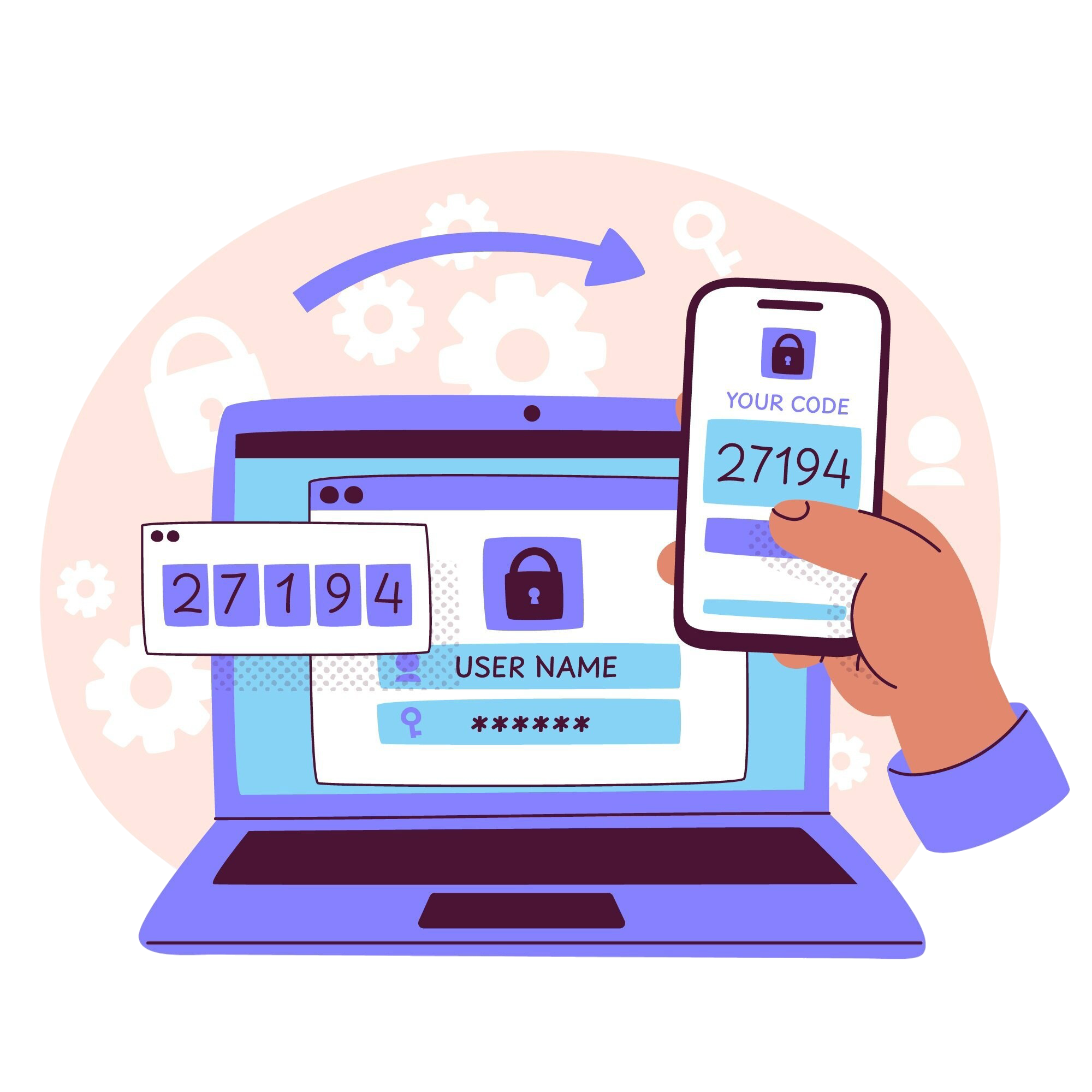
SSL uses a clever process called encryption. Here is how it works in four simple steps.
When you visit an HTTPS website, your browser (like Chrome) asks the server: "Can we talk securely?"
The server responds by sending its SSL certificate. This certificate contains the website's public key, its identity, and the digital signature of a trusted certificate authority (CA).
The browser checks that the certificate is valid, unexpired, and issued by a trusted authority. If everything checks out, the browser and server create a secure session.
From this point on, all data sent between the browser and server is encrypted. Even if hackers intercept it, they see only scrambled gibberish.
This entire process happens in milliseconds — so fast that you never notice it.
The only visible difference is one letter. The real difference is enormous.
| Aspect | HTTP | HTTPS |
|---|---|---|
| Data Security | Unencrypted, anyone can read it | Encrypted, only you and server can read it |
| SSL Certificate | Not required | Required |
| Browser Warning | Shows "Not Secure" | Shows padlock icon |
| SEO Ranking | Lower | Higher (Google prefers HTTPS) |
| User Trust | Low | High |
Today, HTTPS is the standard. Google Chrome, Firefox, Safari, and Edge all flag HTTP sites as "Not Secure" in the address bar.
If you still think SSL is optional, here is what you are risking by not having it.
Modern browsers display a big "Not Secure" warning next to HTTP sites. Visitors leave immediately — no one wants to share information on a website that feels dangerous.
Since 2014, Google has used HTTPS as a ranking signal. Sites without SSL rank lower in search results than identical sites with SSL.
Without SSL, anyone on the same network — a coffee shop, airport, hotel — can intercept your visitors' passwords and credit card numbers.
Payment gateways like Stripe, PayPal, and Razorpay require HTTPS. Without SSL, you cannot legally accept card payments on your site.
Regulations like GDPR and PCI-DSS require SSL for any site that collects personal data. Missing it can lead to fines and legal issues.
The padlock icon has become a universal symbol of trust. Visitors expect it. Without it, your brand looks outdated or unsafe.
Not all SSL certificates are the same. There are three main types, each offering a different level of verification.
| Type | What It Verifies | Best For |
|---|---|---|
| Domain Validated (DV) | Only that you own the domain | Personal blogs, small websites |
| Organization Validated (OV) | Domain + business identity | Business websites, startups |
| Extended Validation (EV) | Deep legal verification of the company | Banks, large e-commerce sites |
For most websites, a DV certificate is more than enough. It provides the same encryption as the expensive EV certificates — the only difference is how much identity verification was done.
Getting SSL used to be expensive and complicated. Today, it is easy and often free.
Let's Encrypt is a nonprofit that provides free DV SSL certificates. Most hosting providers (Hostinger, SiteGround, Cloudflare, Vercel, Netlify) install these automatically with a single click.
Many hosting companies sell SSL certificates for $10–$100 per year. These often include support, warranties, and easier setup — but for most users, the free option works perfectly.
Cloudflare provides free SSL with just a DNS change. It is one of the simplest ways to add HTTPS to any website.
Imagine you run an online store. A customer wants to buy a product and enters their credit card number at checkout.
| Scenario | What Happens |
|---|---|
| Without SSL (HTTP) | Browser shows "Not Secure." The card number is sent in plain text — hackers on the network can steal it. Google ranks the store lower. |
| With SSL (HTTPS) | Browser shows a padlock icon. The card number is encrypted end-to-end. Hackers see only gibberish. Google ranks the store higher. |
That is the difference SSL makes — security, trust, and higher rankings in one simple change.
SSL is not a nice-to-have anymore — it is a basic requirement for any serious website. Whether you run a personal blog or a business, an SSL certificate protects your visitors, boosts your SEO, and builds trust. There is no reason not to have one.